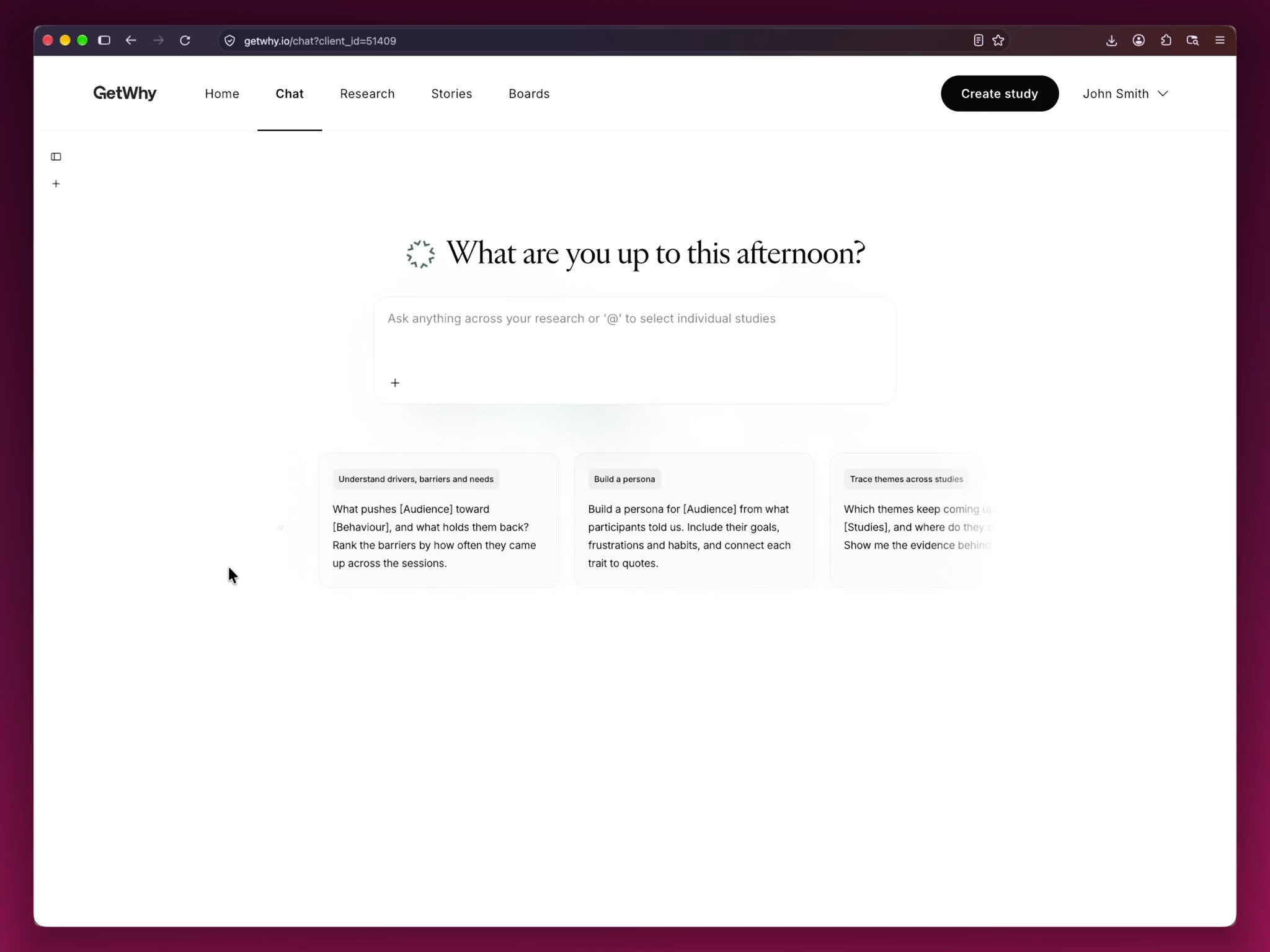
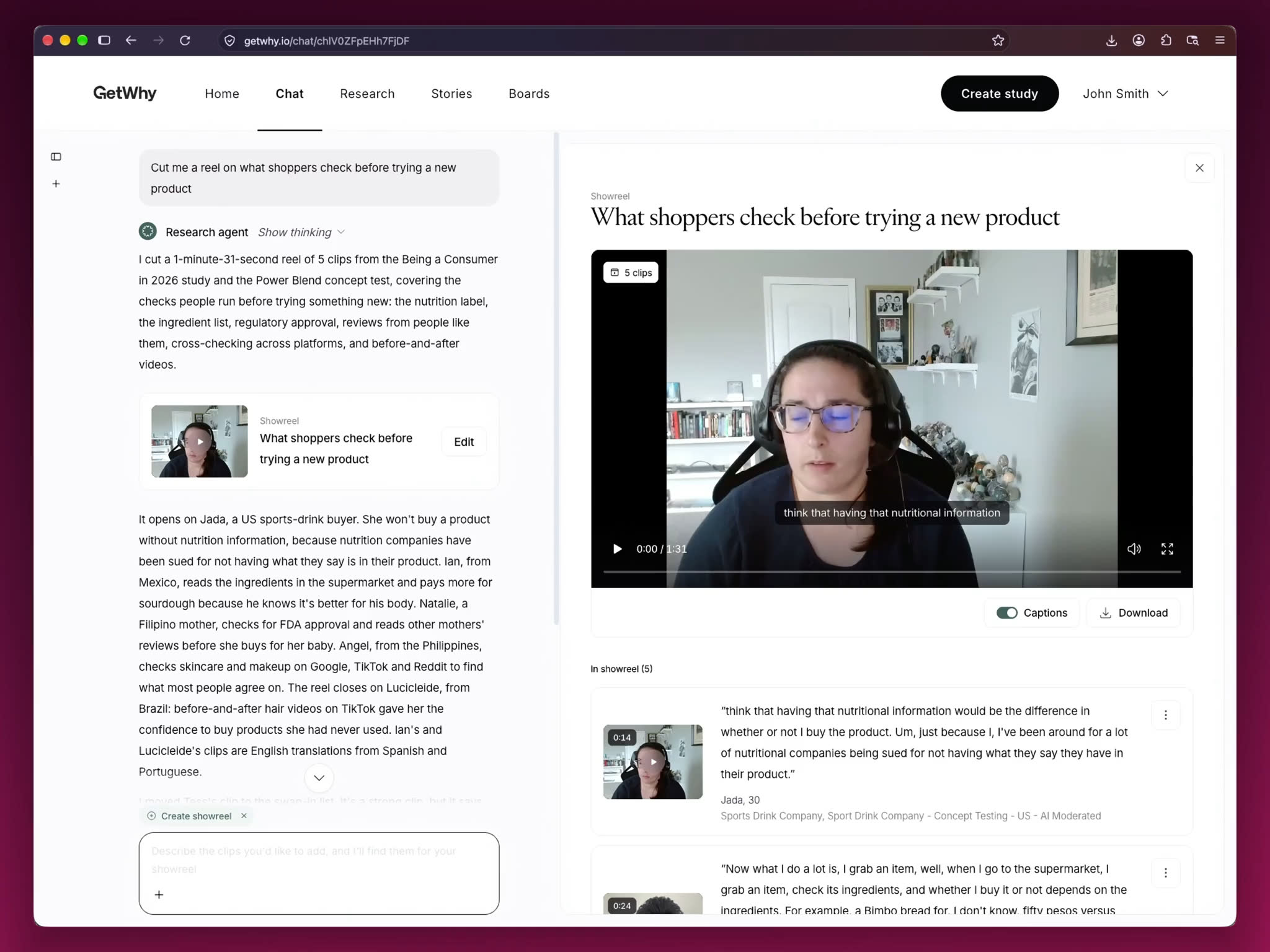
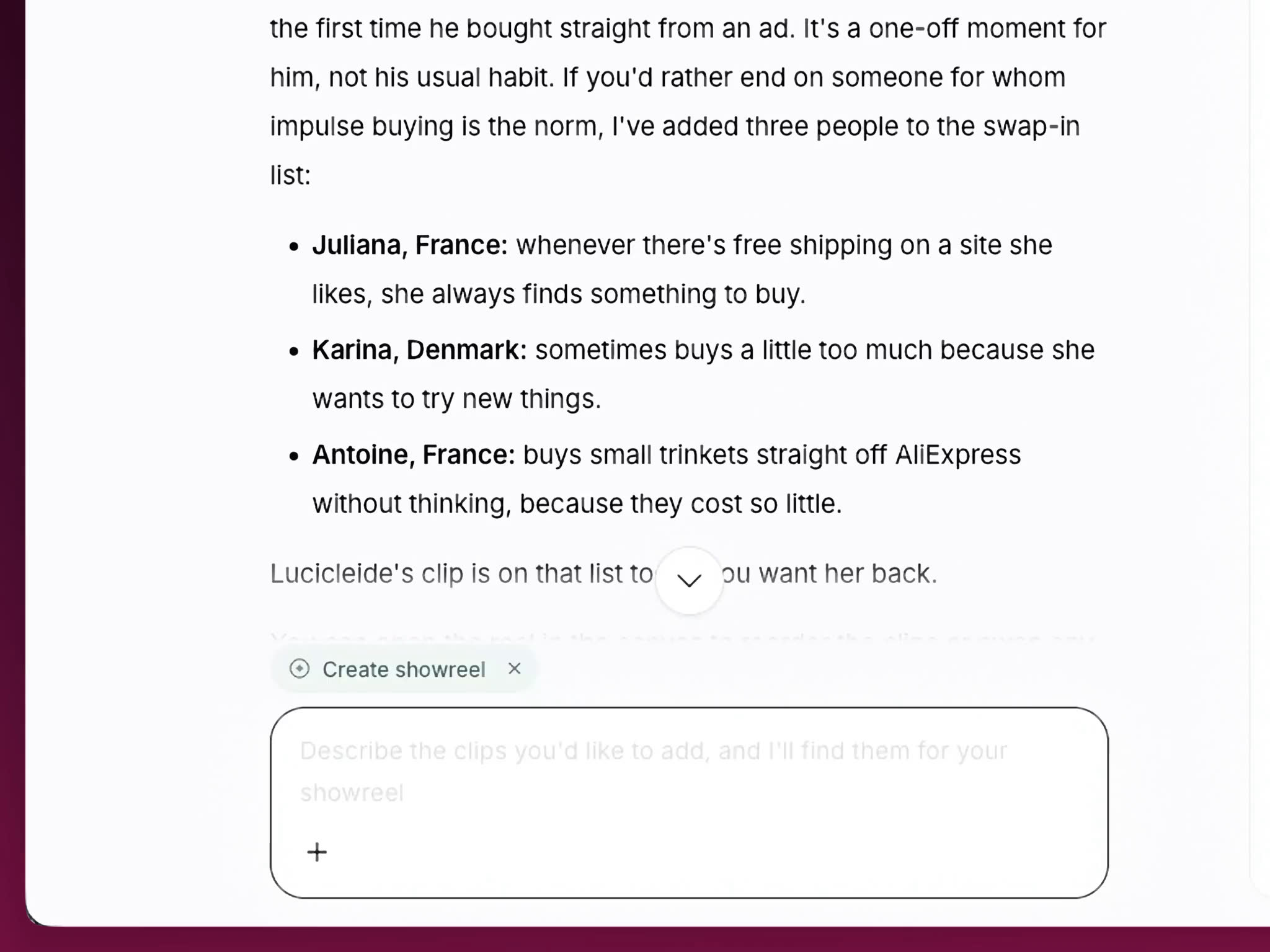
Most AI reels are cut from the transcript. The Showreel Agent watches the video. It picks the moments that land, follows the story of your report and explains every cut.
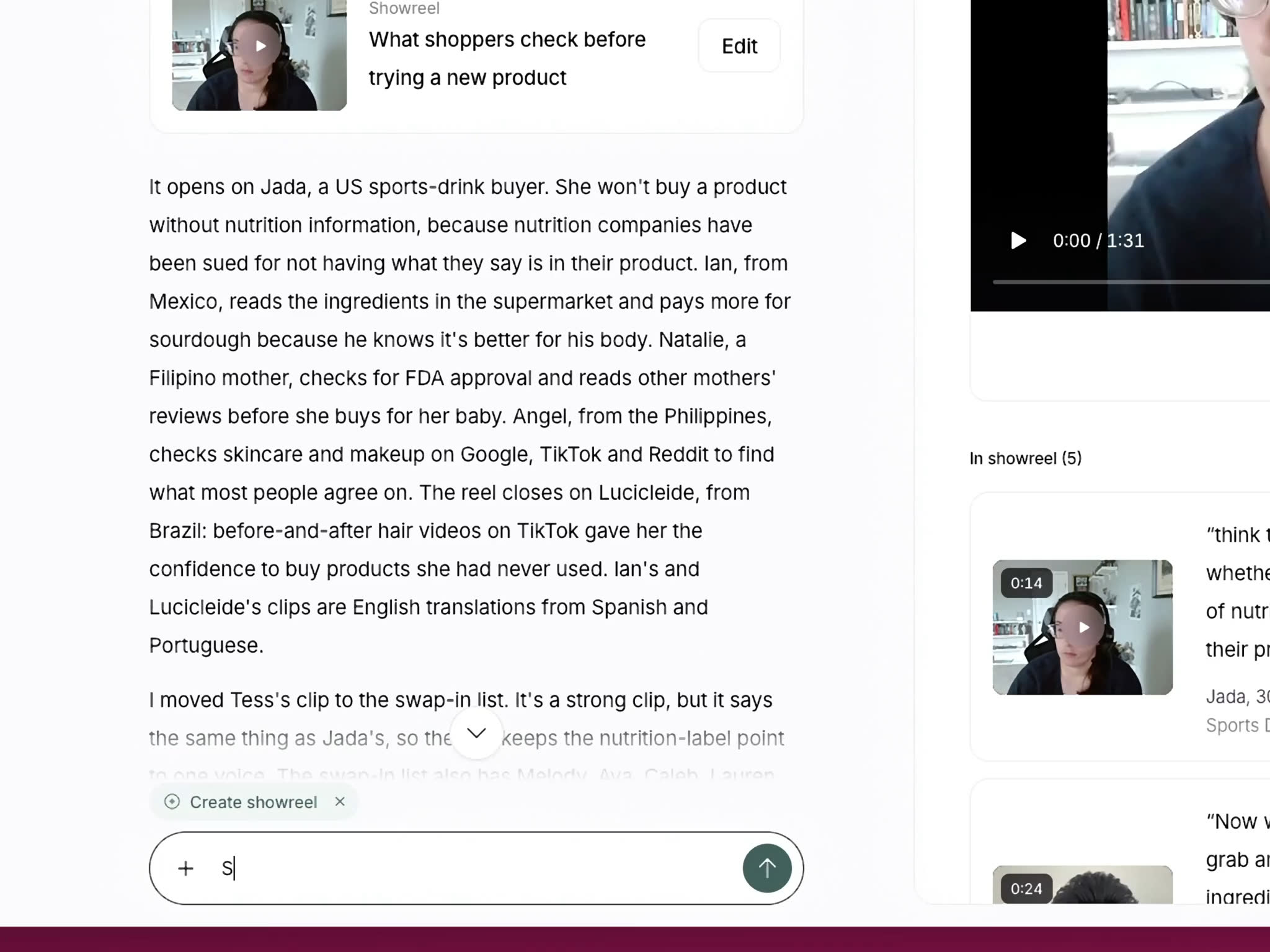
Inside Research Agent 2. Ask for a showreel in the chat, or choose Create, then Showreel.
It reads what people said and watches the video, so it can skip poor-quality footage and pick moments by emotion or body language. Ask it why it chose any clip.
Save the deck as a PDF and upload that. The agent reads the report and cuts reels that follow it.
Yes. Ask for changes in the chat, drag clips in or out, and trim to the word. Your own edits stay when the agent revises.
Download each reel as an MP4, ready for a deck or an email. The Showreel Agent is built for reels you use outside GetWhy, so they are not saved with the showreels in your study library.
No. The showreel editor in each study works as before. The Showreel Agent builds each reel itself, so it does not start from a showreel you made in the editor.
No. GetWhy MCP brings your research findings into Claude, ChatGPT and Gemini, but it does not return video.
Get started
See a showreel built from real interviews.
Book a walkthrough. Bring a finding your stakeholders keep pushing back on, and we'll show you the reel.